
Dashboard
Use the AutoTracer Dashboard when your app runs in a browser and broad tracing would otherwise produce too much noise.
The dashboard is a browser control surface for AutoTracer. It can start and stop tracers, persist dormant-mode settings, and narrow capture windows with start and end triggers. It does not display trace output, it does not make a console available on platforms that do not already expose one, and it does not initialize ReactTracer for you.
Recommended Setup Path
If your browser app already uses @autotracer/plugin-vite-react18 or @autotracer/plugin-vite-flow, prefer the plugin-owned dashboardConfig path. That keeps dashboard mounting on the same build-time path as tracer injection and dormant browser startup.
Use mountDashboard(...) from @autotracer/dashboard when you do not have that Vite-plugin path available, or when you need to mount the widget manually in a browser runtime.
The dashboard is only the control surface. React browser apps still need reactTracer(...), and Flow browser apps still need the normal Flow runtime path.
When The Dashboard Is The Default Choice
- Browser-based web apps where tracing is too noisy when left broadly enabled.
- Internal QA or staging builds where you want targeted runtime control without editing code between sessions.
- Islands, microfrontends, and mixed React plus Flow browser bundles where one widget can control the tracers that are present.
What The Dashboard Controls
- ReactTracer start and stop.
- FlowTracer start and stop.
- Enable-on-load preferences persisted in local storage.
- Auto-stop limits for React renders and Flow function counts.
- Start triggers, end triggers, end-trigger timing, and trigger re-arm mode.
- Widget visibility and hotkeys.
Dashboard States
The widget makes tracer state obvious at a glance.
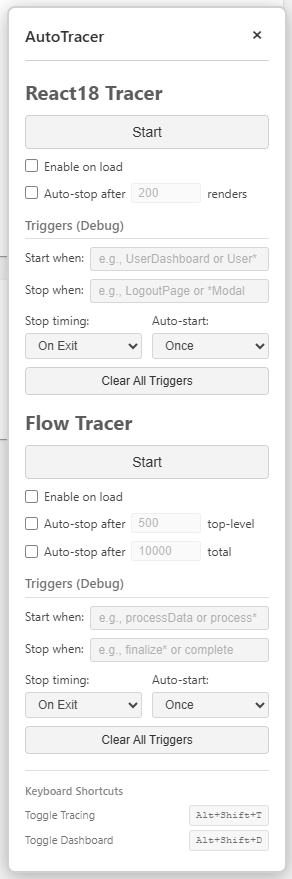
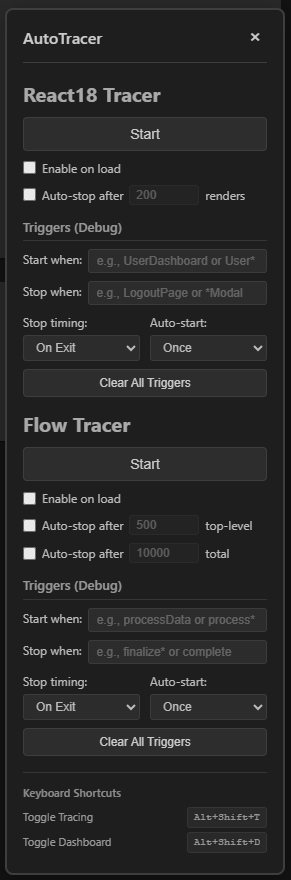
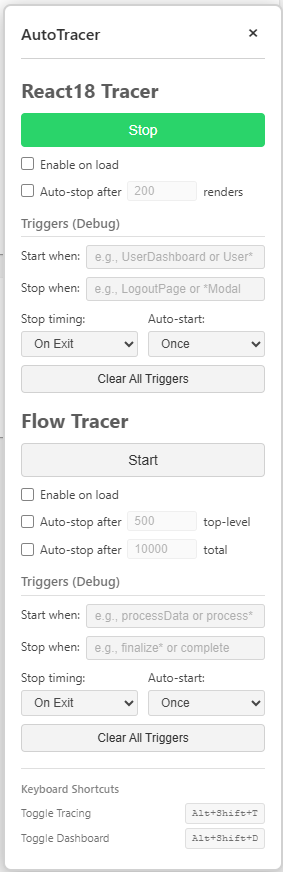
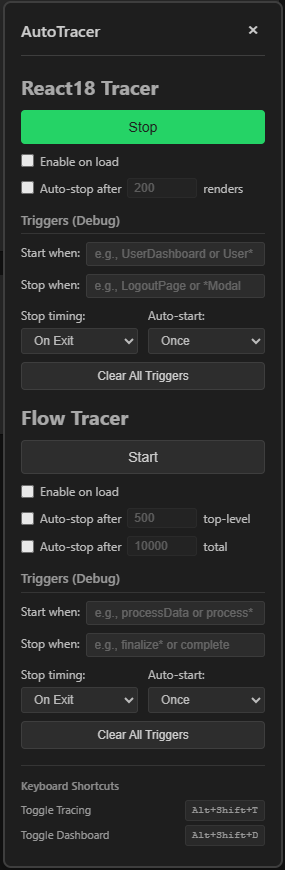
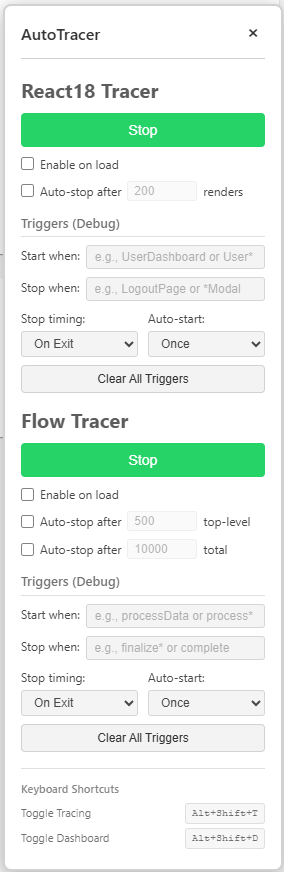
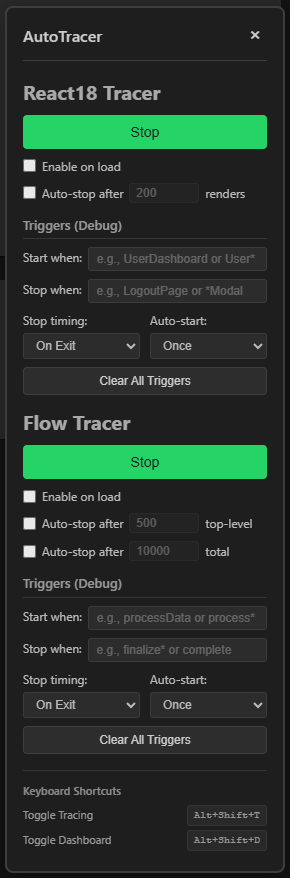
The floating toggle also exposes a clear active state.


What The Dashboard Does Not Do
- It does not display logs or traces itself.
- It does not make browser console, DevTools, or any other log surface available on platforms that do not already expose one.
- It does not replace build-time gating. If you ship the dashboard in a build, you shipped the dashboard.
- It does not initialize ReactTracer. React browser apps still need a
reactTracer(...)bootstrap.